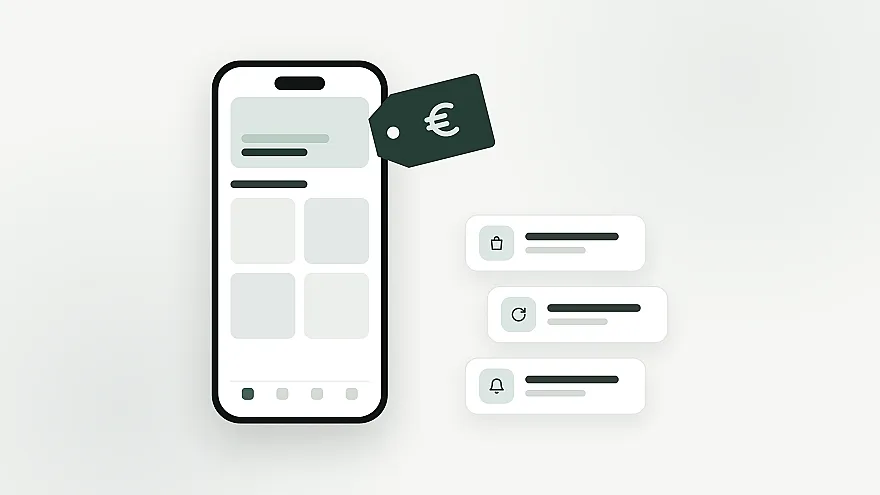

To retain the customers of a PrestaShop store with a mobile app, the app has three jobs: stay on your regular customers’ phones, recognise them as soon as they open it, and reach them at the right moment with a notification. In practice, that means staying signed in, wishlists, back-in-stock alerts, automated reminders and targeted campaigns. New customers keep arriving through your website.
| Moment | What the app does | Prestafy plan |
|---|---|---|
| After an order on the website | An invitation to install the app on the thank-you page, with a QR code and the store badge | Basic |
| Every time the app opens | The customer stays signed in, finds their cart and wishlist, and checks out on a single page | Basic |
| During delivery | A notification at each change in the order status | Basic |
| Between two purchases | Back-in-stock alert, abandoned cart reminder, announcement when the app opens | Advanced |
| As the relationship grows | Automated welcome, first order, after delivery, win-back and loyal customer messages | Advanced |
| After delivery | A request to rate the app on the App Store or Google Play | Advanced |
Why an app helps you retain customers
A customer who installs your app gives you a place on their home screen. They no longer have to find your website: one tap on the icon brings them back to your store, still signed in, with their cart and wishlist. You can also reach them directly, with a notification under your store’s name and icon, without paying for advertising.
The app mainly brings together your most engaged customers, the ones who come back. Set it up for them and measure it on them: our article on app and mobile website conversion rates explains how to compare like with like.
1. Get your regular customers to install the app
On your mobile website, a banner offers to download the app. After each order, the thank-you page invites the customer to install it, with a QR code and the App Store or Google Play badge: they have just bought from you, which is when they have the most reason to come back.
2. Recognise the customer on every visit
In the app, customers stay signed in. They find their cart, their wishlist, their order history and tracking, and their discount codes in their account. Checkout fits on a single page: address, delivery and payment.
A visitor without an account can already save items to a wishlist. The items stay on their phone, then move to their account when they sign in or register. If your store allows guest checkout, they can also order without registering, and a password is all it takes to create their account afterwards.
3. Reach them at the right moment
Order tracking notifications go out on their own, at each status change: order confirmed, shipped, delivered. These are the messages your customers expect, and they receive them even if they turn down marketing offers.
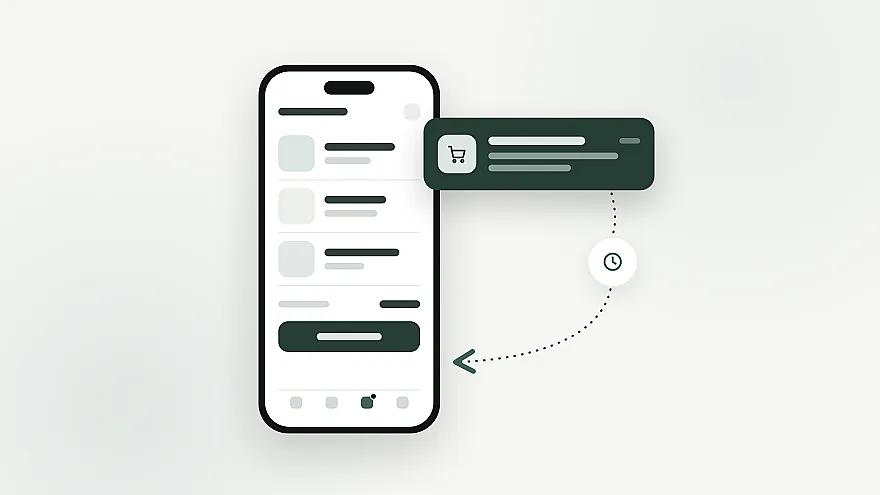
With the Advanced plan, two alerts bring customers back to a purchase they meant to make. The “Get notified” button on an out-of-stock product triggers a notification as soon as it is back in stock. An abandoned cart triggers a reminder, after a delay you choose. Our article on mobile cart abandonment covers the other causes to fix.
For a new arrival or a promotion, the opening announcement shows a card on the app’s home page, with an image and a button to the page of your choice, once, once a day or every time the app opens.
4. Automate your retention messages
Prestafy’s guided recipes send a message at the moments that matter in the relationship: welcome, first order, after delivery, win-back for an inactive customer, and loyal customers. They only go to customers who have accepted offers, and they can include a discount code. For welcome, win-back and loyal customers, an optional reminder follows a few days later, unless the customer has ordered in the meantime.
For a one-off promotion, a campaign targets a precise segment: customers who have already ordered several times, a PrestaShop customer group, or those who have not bought anything for a given period. Set daily and weekly caps and quiet hours: a customer who receives too many messages ends up withdrawing consent. The PrestaShop push notifications guide shows how to create and schedule these sends.
5. Let your satisfied customers speak
A few days after delivery, the app can ask the customer to rate it on the App Store or Google Play, at most once every 3 to 12 months depending on your setting. Your customer reviews, collected by Avis Vérifiés, Google or Trustpilot, also appear on product pages. Both are included in the Advanced plan.
Measuring customer retention in the app
Track first opens and active users of the app, then these customers’ orders over time. With the Advanced plan, the “orders after open” report links your notifications to the orders placed afterwards. The Business plan adds the full dashboard and the revenue attributed to notifications.
Frequently asked questions about customer retention with a PrestaShop app
Does an app replace a loyalty programme?
No. If you run a points programme, it stays in your PrestaShop module. The app gives your loyal customers direct access to the store, and you reach them by notification. In their account, they find their discount codes.
Which Prestafy plan do I need to retain customers?
The Basic plan, at €99 excl. VAT per month, publishes the app and includes wishlists, guest checkout, order tracking notifications, the install banner and the post-order invitation. The Advanced plan, at €199 excl. VAT per month, adds automated retention messages, back-in-stock alerts, abandoned cart reminders, targeted campaigns and review requests. Every paid plan starts with 30 days free.
Do I need to offer a discount to bring a customer back?
Not necessarily. A back-in-stock alert or an order update is useful without a discount. For a customer who no longer orders, the win-back recipe can include a discount code, repeated in its reminder.
Can a customer without an account keep their wishlist?
Yes. Their wishlist stays on their phone, up to 50 products, then moves to their account when they sign in, register or create their account after an order.
Retain your customers with Prestafy
Prestafy turns your PrestaShop store into an iOS and Android app, connected to your catalogue and orders, and publishes it on the App Store and Google Play. You design the home page in Studio, then switch on notifications and reminders from the same place. Design and preview your app for free, then choose the reminders that matter to your customers.